Every small shop owner knows the dream: customers who asked about something hear back, regulars return without being chased, and the counter stays busy even on slow weekdays. The owner spends the day selling, not hunting through chats.
The obstacle is rarely the customer. It's the typing. A walk-in asks about a size that is out of stock, someone calls about a festive order, a regular wants to know when the new stock arrives. Each one needs a short message later, and writing it from scratch, at the right time, for every person, is exactly what gets skipped when the shop is busy.
Rules before the templates
- Message people who asked. Follow up with customers who enquired or bought from you, not random numbers.
- One message, one ask. A price, a question or an invitation. Not all three.
- Keep it short and personal. Use the customer's name and what they asked about.
- Space it out. One follow-up, then a later check-in. If someone says no or asks you to stop, note it and stop.
- Set the next date as you send. Every message should end with you knowing when to check back.
Eight templates you can adapt
Words in brackets are blanks you fill in for each customer.
1. Price enquiry, same day
"Hello [name], thank you for asking about [product] today. The price is [price]. Shall I keep one aside for you?"
2. Out of stock, back in
"Hello [name], the [product] you asked about is back in stock. Would you like me to hold one until [day]?"
3. Quote not answered
"Hello [name], just checking if you had a chance to look at the price for [product]. Happy to answer any questions."
4. Festive or bulk order
"Hello [name], we are taking [festival] orders now. If you need [product] for gifting, tell me the quantity and date and I'll confirm."
5. After the purchase
"Hello [name], thank you for buying [product]. Is everything working well? Message me here if you need anything."
6. Repeat need
"Hello [name], it's been about [time] since your last [product]. Shall I keep the usual ready for you?"
7. Quiet customer
"Hello [name], we haven't seen you in a while. New [category] has arrived this week; drop by if you're nearby."
8. Closing the loop
"Hello [name], I won't keep messaging about [product]. If you need it later, just reply here and I'll help."
Turning templates into a daily habit
- Save each enquiry as a lead with the product and a one-line note.
- Pick the template that fits and set a follow-up date when you note the enquiry.
- Each morning, send the day's messages in one sitting, before the shop gets busy.
- After each reply, update the note and the next date. A customer who said "next week" gets next week's date.
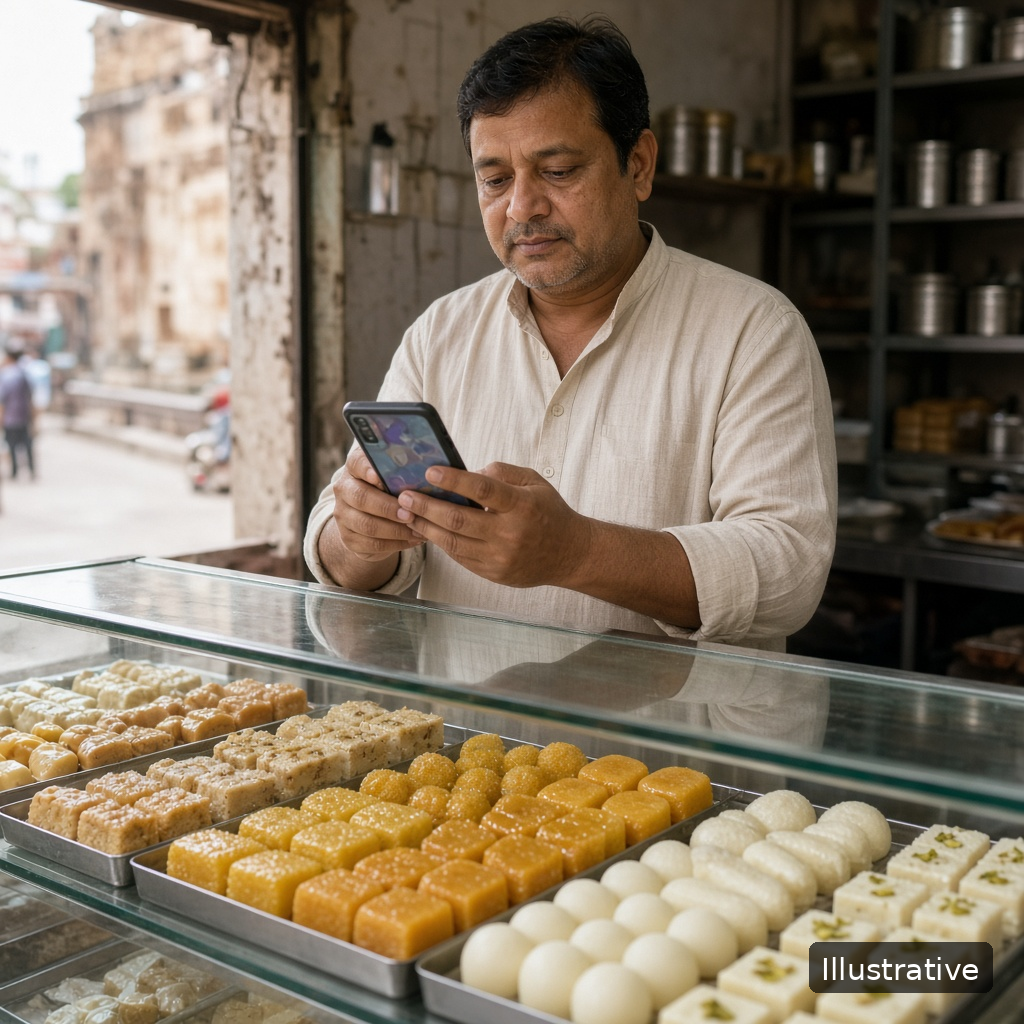
A family-run sweet shop saves each festive order enquiry on the shop phone with the product and a follow-up date. Every morning the owner opens the day's list, picks the festive template, and works through the chats before the first customers arrive.
Illustrative example.
How KroLead helps shops follow up on WhatsApp
KroLead is an Android CRM for small businesses, and shops can pick Retail & Distributions at signup. The features below come from Google Play and krolead.com:
- Message templates, predefined or your own, with placeholders that fill in automatically from each lead's data.
- Bulk Message: pick WhatsApp or another supported messaging app, choose a template, filter and select customers, and set the pace. Each chat then opens with the text already in place; you press Send yourself, chat by chat. Nothing goes out on its own.
- Products with an amount, linked to each lead, so you know what every customer asked about.
- Unlimited tags such as Festive order or Regular, to filter who gets which message.
- The 30-day Agenda Calendar plus phone reminders bring up each day's messages at the right time.
- After a call from a number you haven't saved, a pop-up lets you turn it into a lead. You can also add leads by hand or import a CSV.
- Relationship Care: once a customer is marked Closed Won, KroLead puts them on a monthly check-in schedule, a natural moment for template 6.
Core lead records keep working without internet and sync later. KroLead is available in 32 languages.
Start with 1 month free, then from ₹239/month ($8) per user. The pricing section of krolead.com has the details.
Get KroLead on Google Play and message every customer who asked Free for the first month.
See all features and pricing at krolead.com.
FAQ
How often should a shop follow up on WhatsApp?
Once soon after the enquiry, then one later check-in. Stop if the customer says no or asks you to stop.
Will KroLead message customers for me?
No. Bulk Message opens each customer's chat with your text ready, and you press Send in each one.
Can I write templates in my own language?
Yes. Custom templates are text you write yourself, so use whatever language your customers read best.
Which messaging apps does it work with?
Bulk Message lets you pick WhatsApp or another supported messaging app, including regional ones.
No comments:
Post a Comment
THANKS FOR YOUR FEEDBACK