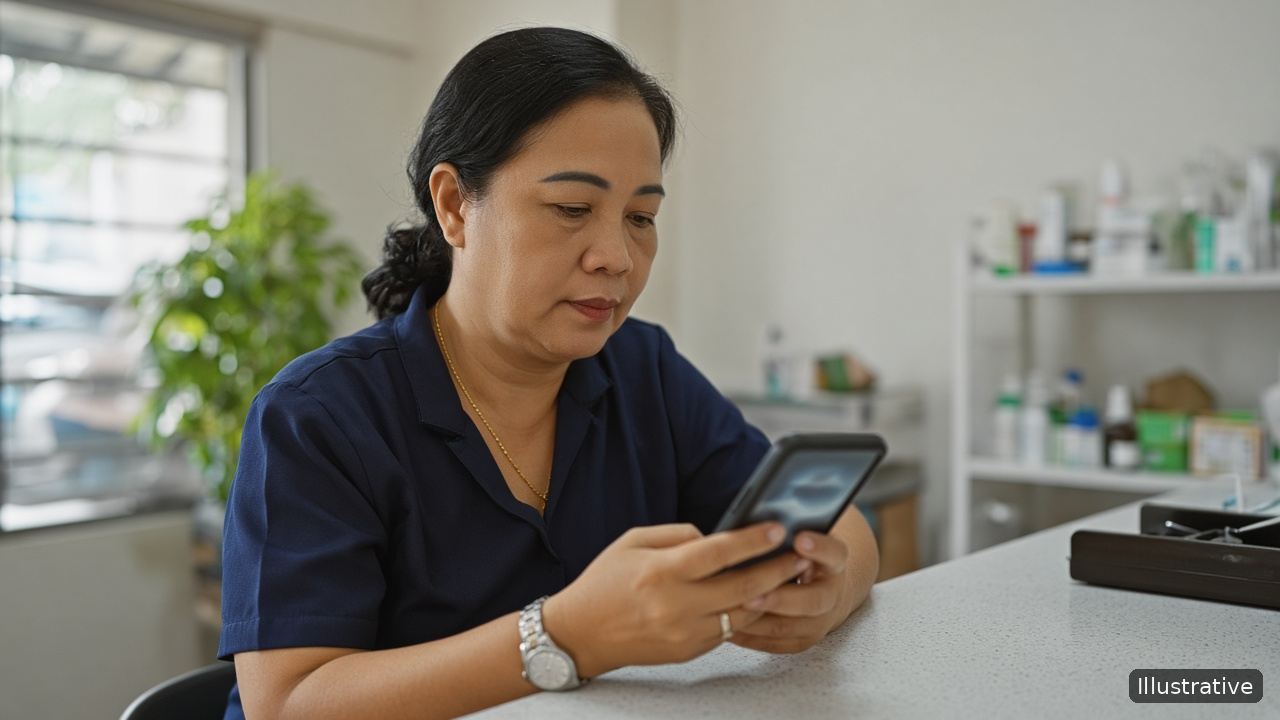
Most small clinics share the same quiet dream: every person who calls or walks in with a question gets a clear answer and a callback when one was promised, and the front desk closes each evening with nothing left hanging. Patients feel looked after before they ever sit in the consultation room.
The obstacle is the pace of the front desk. The phone rings while someone is paying, a patient asks about a treatment package, a parent wants to know the doctor's timings for Saturday. The receptionist says "we'll call you back", writes a number on a sticky note, and the next shift never sees it. Nobody is careless. The system simply depends on memory.
Where clinic enquiries get lost
- Many entry points. Phone calls, walk-ins, messages and referrals all arrive at once, and each lands in a different place.
- Shift changes. The morning receptionist promised a callback; the evening receptionist has no idea.
- No owner. When a doctor, a nurse and the front desk all hear about the same enquiry, each one thinks another person has it covered.
- No date. "Call back later" is not a plan. Without a day and a time, it becomes "never".
A simple front-desk system
- Log every enquiry in one place. Name, phone and one line: what they asked and what you promised. "Asked about physiotherapy package, wants weekend slots, promised to confirm timings by 5 PM" is enough.
- Label the enquiry type. Keep it short: New consultation, Treatment or package, Follow-up visit, General question. Labels let you see at a glance what kind of work is waiting.
- Give each enquiry one owner. Usually the person who took it. If it needs a doctor's input, the owner still makes the callback.
- Set a callback date and time before you move on. If you promised "this evening", put this evening on it.
- Hand over at shift change. The outgoing receptionist checks that every open enquiry has an owner and a time. The incoming one starts from that list, not from sticky notes.
Callback rules that keep patients' trust
- Call when you said you would. A late callback feels worse than a quick "we're still checking".
- Answer the question first. Give the timing or availability they asked about, then offer to book.
- One gentle reminder, not five. If someone doesn't reply, try once more on a later date, then close the enquiry with a short note.
- Stay in touch after the visit when the patient wants it. A check-in message about the next recommended visit is helpful; repeated sales calls are not.
Keep only what the callback needs
A front-desk enquiry record is not a medical file. Store the contact details, what was asked and the next step. Keep detailed health information in your clinic's patient records, not in sales notes on a phone.
A small dental practice logs every phone and walk-in enquiry on the reception phone with a type label and a callback time. At the end of each shift, the receptionist checks the open list and passes anything unfinished to the next person, so no promised callback depends on a sticky note.
Illustrative example.
How KroLead helps a clinic front desk
KroLead is an Android CRM for small businesses and teams that work over the phone, and Healthcare is a category you can choose at signup. Everything below appears on Google Play or krolead.com:
- When a call from an unknown number ends, a pop-up offers to save it as a lead, so a new enquiry is captured before the next patient walks up. Leads can also be added by hand or imported from a CSV file.
- As many tags as you need, named your way (New consultation, Treatment package), plus a note field on each lead.
- The 30-day Agenda Calendar, where each day shows its callbacks, a count of leads still waiting for a next date, and phone notifications when a callback is due.
- Call Pilot (optional): before you pick up a returning caller, a pop-up on top of the call screen lists the lead's name, tags and stage, when the next follow-up is due, and the two most recent conversations, so whoever is at the desk knows the context.
- Tasks with on-time reminders for to-dos such as "confirm Saturday timings".
- Separate employee seats under the owner, so every receptionist works their own enquiries, and Team Chat, where a lead can be passed to whoever takes the next shift.
- Reusable templates plus Bulk Message for callback or check-in messages on WhatsApp: the app opens one chat at a time with the text ready, and a person presses Send on each.
- Lead data is encrypted on the phone and in sync, the app has a biometric lock, and owner-only Audit Logs keep a log of who opened, updated, moved or deleted leads.
Core lead records stay usable without internet and catch up once the phone is connected again. KroLead is available in 32 languages.
Start with 1 month free, then from ₹239/month ($8) per user. The pricing section of krolead.com has the details.
Download KroLead on Google Play and give every patient enquiry a callback Free for the first month.
See all features and pricing at krolead.com.
FAQ
Is KroLead a patient records or appointment system?
No. It is a CRM for enquiries, callbacks and follow-ups. Keep medical records in your clinic's own patient system.
What should the front desk write for each enquiry?
Name, phone, one line on what was asked and promised, a type label and a callback date and time.
How do we stop callbacks getting lost between shifts?
Give every open enquiry an owner and a time, and have the incoming receptionist start from that list at each shift change.
Can several receptionists use it?
Yes. The owner adds each person as an employee seat, and each one signs in through Team Login on their own phone.
No comments:
Post a Comment
THANKS FOR YOUR FEEDBACK